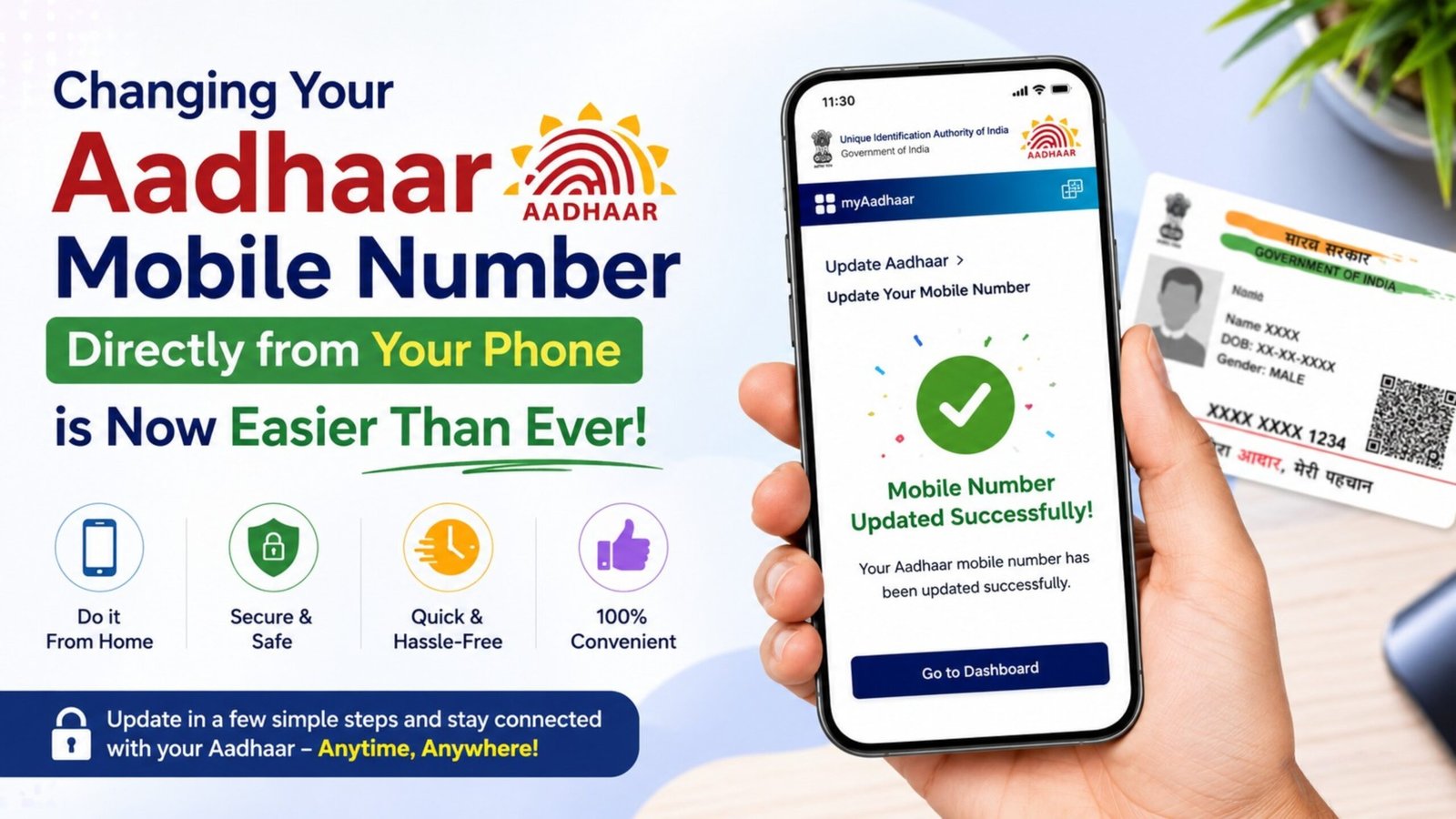
In today’s digital era, keeping your Aadhaar card updated is more crucial than ever. Your registered mobile number acts as the primary gateway to numerous government schemes, banking services, and online verifications. Realizing the difficulties citizens faced while visiting physical enrollment centers, the Unique Identification Authority of India (UIDAI) has introduced a major update.
With the latest features rolled out, you no longer need to stand in long queues at an Aadhaar Seva Kendra just to update your phone number. You can seamlessly initiate and complete this process right from the comfort of your home using your smartphone.
Here is a comprehensive guide on how the new system works, the security features involved, and a step-by-step breakdown of the online application process.
Key Features of the New Update
The updated digital ecosystem simplifies profile management significantly. The platform is designed to be user-friendly, secure, and highly accessible. Here are the prominent features available:
- Mobile Number Update: Easily replace an inaccessible or old phone number with your active current number.
- Address Corrections: Modify or update your residential address with valid proof documents directly online.
- Advanced Authentication: The platform incorporates secure validation systems like Face Authentication and secure OTPs (One-Time Passwords) to prevent identity theft.
- Centralized Services Menu: A dedicated service dashboard allows you to track requests, download digital copies, and manage linked services smoothly.
Step-by-Step Guide to Updating Your Mobile Number Online
To change your phone number using your smartphone, follow these simple and structured steps:
Step 1: Download the Official Application and Log In
- Open the Google Play Store or Apple App Store on your smartphone.
- Search for the official UIDAI application (such as the official mAadhaar or the dedicated verification portal app). You can access official download links securely from the verified application store.
- Once downloaded, open the app.
- Log in by entering your unique 12-digit Aadhaar number. Secure your access by completing the initial verification through face recognition or the registered OTP method.
Step 2: Navigate to the Mobile Number Update Service
- Once inside the main dashboard, look for the “Services” or “Service Menu” tab.
- Select the option labeled “Update Mobile Number” or “Profile Update”.
- The interface will display your current details or show a blank field if no number was previously linked.
- Carefully input your new mobile number into the designated field and click on ‘Request OTP’.
- A secure One-Time Password will be sent immediately to your newly entered phone number to verify its validity. Enter this OTP into the app to proceed.
Step 3: Face Authentication and Fee Payment
- To ensure absolute security and verify that the actual holder is requesting the change, the app will prompt you for Face Authentication (using your front camera) or your pre-set security mPIN.
- Review the final confirmation page to ensure the new mobile number is typed correctly.
- Submit the request. The application requires a standard nominal processing fee of Rs. 75 for the update. You can pay this securely via UPI, debit/credit cards, or net banking within the app.
- Upon successful payment, a confirmation message, email, or SMS will be sent to you containing an Update Request Number (URN) to track the progress.
Important Things to Remember
Processing Time: Once the application is successfully submitted, the backend verification systems typically take 15 to 30 days to completely update the new phone number in the central database.
The Power of Face Authentication: The integration of facial recognition technology means you do not strictly rely on older, lost phone numbers to verify your identity during the update process. Your biometrics serve as your secure digital signature.
By utilizing this smart digital upgrade, managing your identity credentials has become incredibly easy, efficient, and completely paperless!
Important Links
| Link Description | Action Link |
| Join WhatsApp Group | Click Here to Join |
| Join Telegram Group | Click Here to Join |
| Download App | Click Here |
| Official Website | Click Here |